

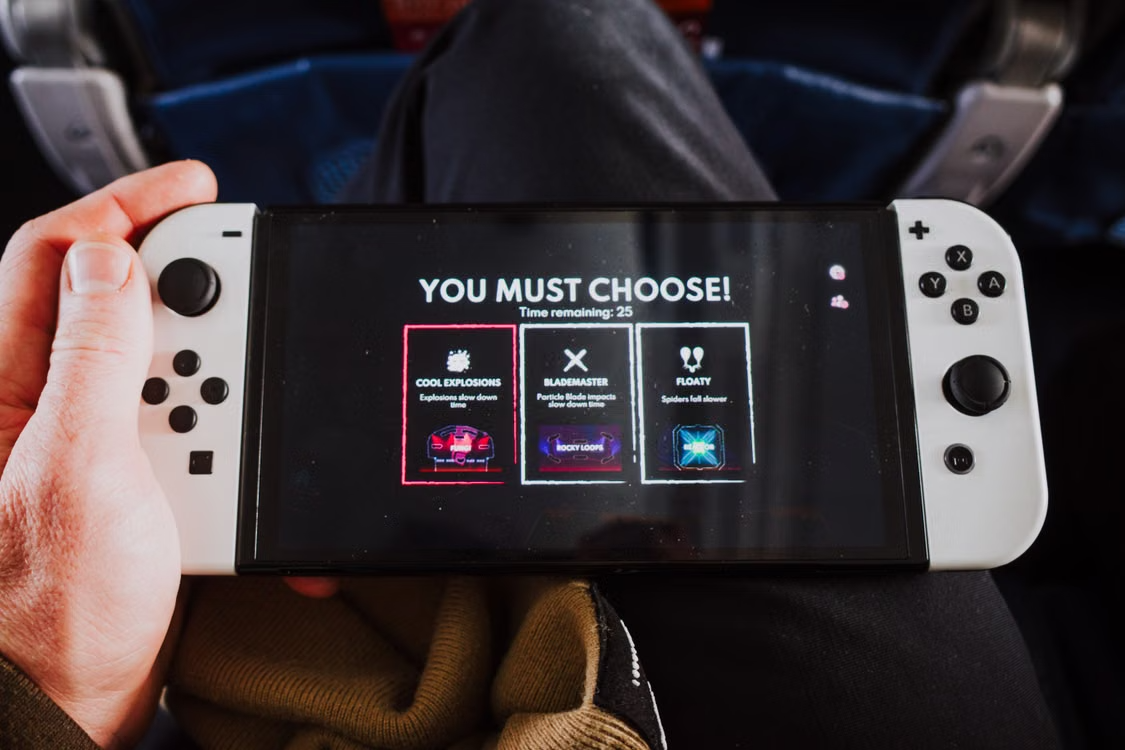
The designer of every game dreams of creating a memorable experience which would completely immerse players in the virtual environment. If a player is completely engrossed in the game, then he or she shouldn’t have any difficulty interacting with it. Instead, this should be done effortlessly, and it would only happen when there is a good user interface (UI).
What is a Minimal Interface?
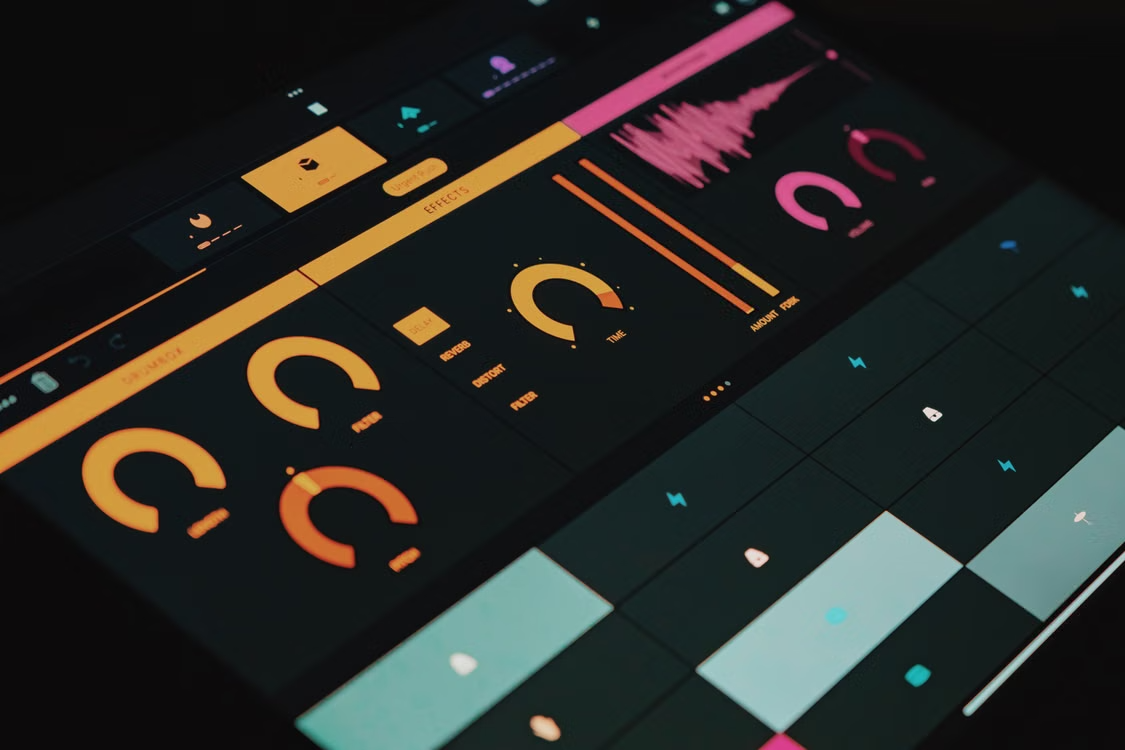
A big characteristic of a minimal interface is that it helps to avoid cluttering and makes the screen neat. At the initial stages of the development of video games, the screens were crammed with big health meters, huge maps and detailed resource counters. Even though it gave additional information, it was a distraction for the player from seeing the game itself. The current approach is focused on avoiding such a distraction to enable the player to see the artwork of the game.
This approach is very helpful in many genres of games and especially in those where fast decisions are required. For instance, while playing online poker, it is important to follow not only the cards but also all the actions made by other players. A messy screen could help to overlook some calls or do something accidentally, like fold. With the help of a clean interface, the player can pay attention to their strategy only.
Minimal design does not imply stripping down a game to make it more simplistic; instead, it implies keeping the unnecessary stuff hidden away until the time comes for its appearance. Pop-up menus, collapsible sidebars, and context-sensitive buttons that will pop up when hovering over a certain object or clicking on a button will make sure that your screen stays neat while playing and all the extensive options remain at hand once necessary.
Visual Hierarchy and Cognitive Load
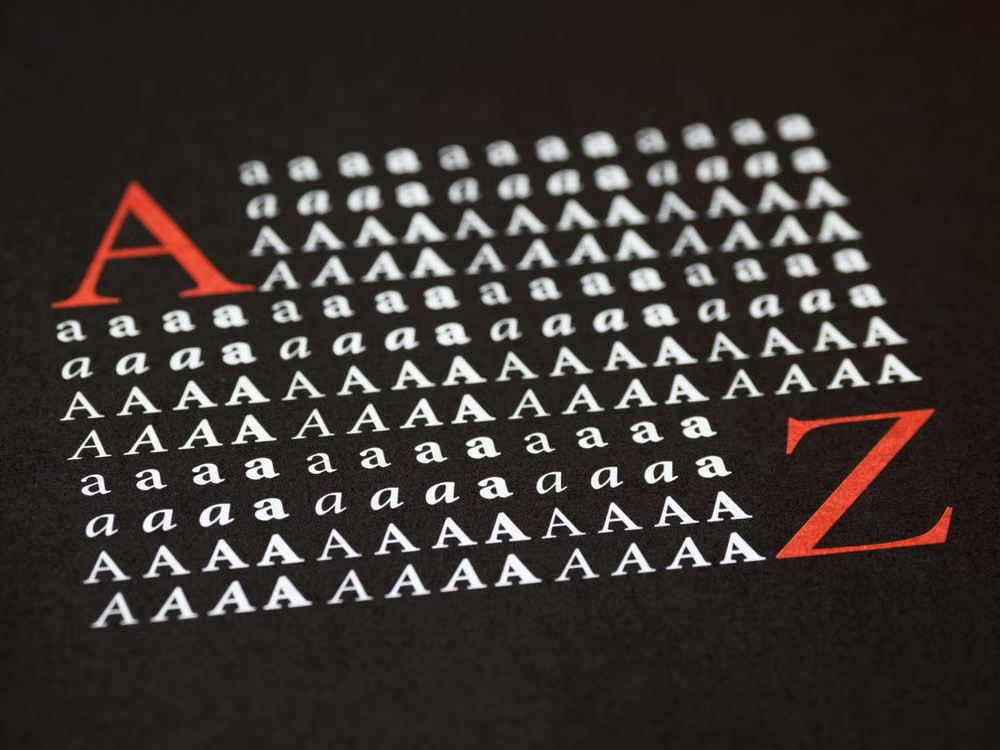
Cognitive load may be explained as the number of efforts the mind should put into processing information displayed on-screen. Should a game bombard its users with large amounts of text and numerous flashing icons, their minds will quickly become overloaded. As a result, players get exhausted and have negative experiences. In order to avoid such outcomes, UI designers resort to visual hierarchy, which makes it possible for players to focus on the most important elements of the picture and understand the situation without experiencing any stress.
Such visual hierarchy is created with the help of size, colors, and spacing. The most vital information, for example, health of a character or some alerts, must be the largest and brightest elements of the screen, while less important details, such as ammo count and side quests, should be presented in a smaller size and located at the edges of the screen. In this way, players can evaluate the game situation within seconds and make their actions accordingly.
It is important to make the game developer stick to one color pattern for each type of data. For instance, health should always be green or red, whereas magic should be blue. With such standards of design being followed, it will be possible to take advantage of the player’s prior experience. It will not be necessary to waste time on the tutorial and everything will be evident from the very first minute.
Designing for Different Devices
These days, gamers can play their games on many different types of hardware, from big widescreen monitors to little smartphone screens. This is why it is very important that the game has a flexible user interface. An interface which is perfect for playing on a regular desktop computer with a mouse and a keyboard will seem extremely clumsy when played on a touch screen.
A mobile interface needs to work well with a touch screen. It should have large buttons that can easily be reached with one’s thumb and the navigation menu needs to be placed at the bottom of the screen. It is also very important that the game supports both vertical and horizontal orientations and the controls should be very exact so that users do not accidentally tap anything.
However, when it comes to desktop interfaces, mouse accuracy as well as hotkeys can be taken into account. Thus, designers have the ability to develop more sophisticated designs and offer more choices of customizing the game interface for players, who can move various menus with the help of dragging and dropping to build up their personal workspace. The issue here is to ensure consistency in the design of all these interfaces.
Sound and Motion Feedback
Images are not the sole means of communicating with the user. Sound and movement are extremely powerful elements that enable you to get feedback without crowding the display. If you receive some kind of damage in an action game, a simple vibration on the screen or an ominous heartbeat sound will alert you about your condition faster than a flickering red bar showing your health condition.
Such feedback elements enable the developer to make the heads-up display (HUD) as neat as possible. An expressive sound effect indicating that you are pointing at the menu option with the cursor or an animation showing that you successfully chose something makes the interface highly responsive and brings more physicality to the virtual world.
Final Thoughts
It is the least obtrusive interfaces that turn out to be the most effective. Designers may achieve such an effect by making an interface minimalist, creating a visual hierarchy, adapting to various pieces of hardware, and using sound and motion feedback. The main idea is to concentrate on adventure and gameplay, not on the struggle with controls. In the future, when technology becomes even better, the interfaces that people use will become more integrated and natural, and there will be no obstacles between players and games anymore.
